PDFSecurity – eDocPrintPro Plugin – Attach PDF security settings
Often one would like to protect a generated PDF document with a password to open, or restrict certain modification possibilities and functions of the PDF documents. The PDFSecurity plugin for the eDocPrintPro PDF printer driver is used for this purpose.
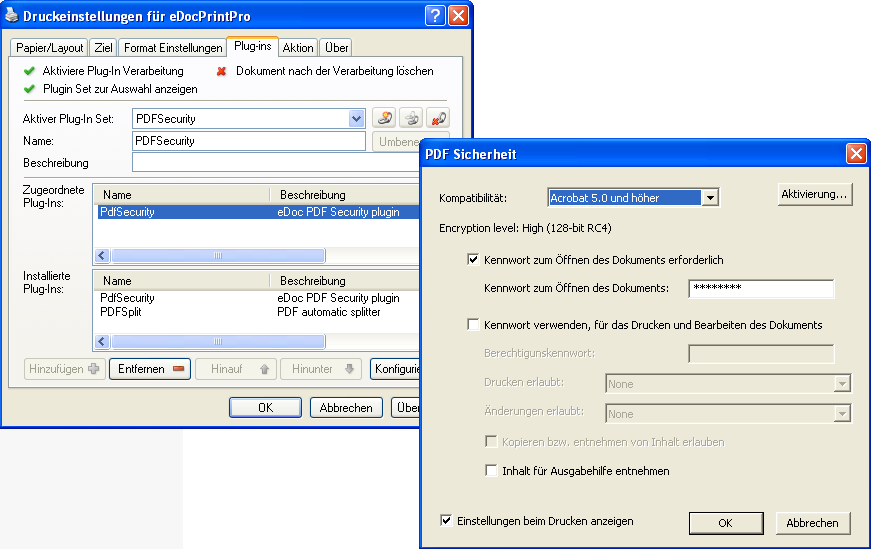
Functions – PDFSecurity Plugin:
- Password to open
- Password for setting and changing PDF permissions
- Encryption 40/128 bit
- Print – Lock, allow low / high resolution
- Document changes – allow blocking, inserting / deleting / rotating pages, filling in form fields and allowing signing, allowing commenting, allowing anything but removing pages, allowing copying and removal of content
- View settings before printing to change / Apply Silent preferences.
- 32 / 64bit Versionen – MSI Setup
- 30 days fully functional demo version – online unlockable
Download – eDocPrintPro PDFSecurity Plugin – 32bit >>>
Download – eDocPrintPro PDFSecurity Plugin – 64bit >>>