PDFmdx Version 3.9.0

Innovations of PDFmdx Version 3.9.0:

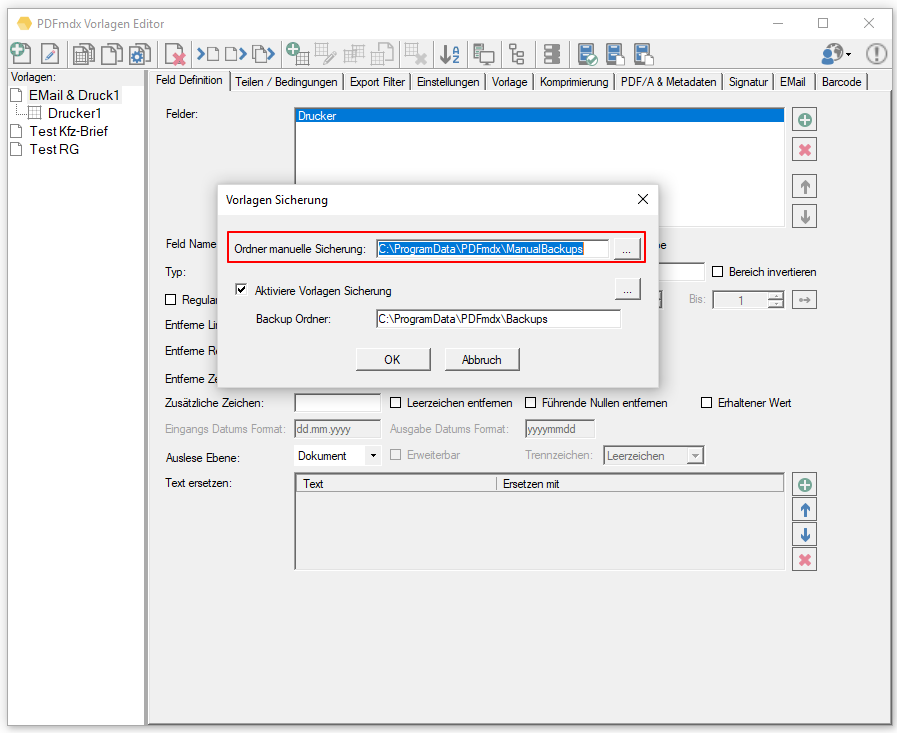
  • Manual backup of templates: Function to trigger the backup of all or individual templates manually. The backup files (* .pmdx) are stored in a configurable folder and differentiated by their name consisting of template / date / time.

 

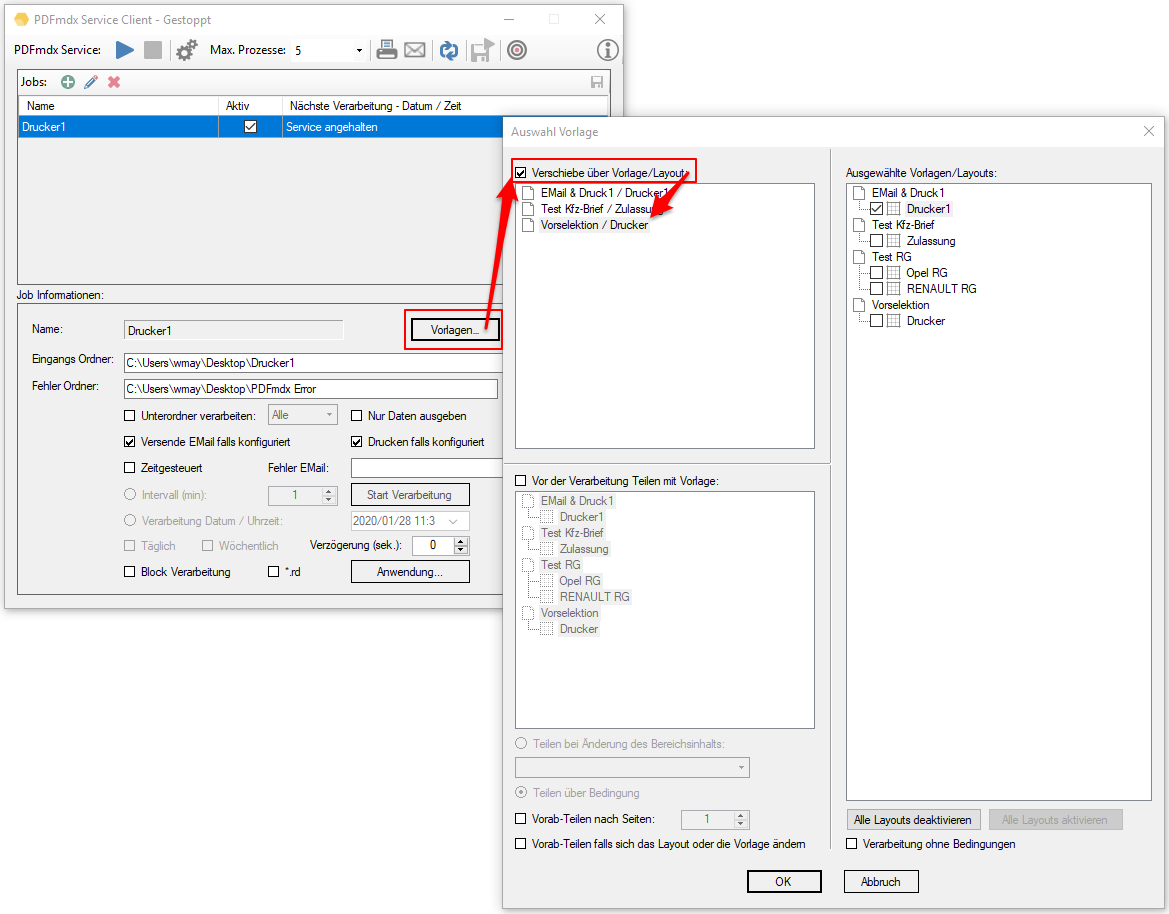
  • Via conditions, move files to another folder: This means that files that are not to be processed can be sorted out via conditions before the actual PDFmdx processing or “redirected” to another processing folder. A normal template with conditions is used for this. If a condition is met, the file is moved from the incoming folder directly to the configured target folder without further PDFmdx processing.
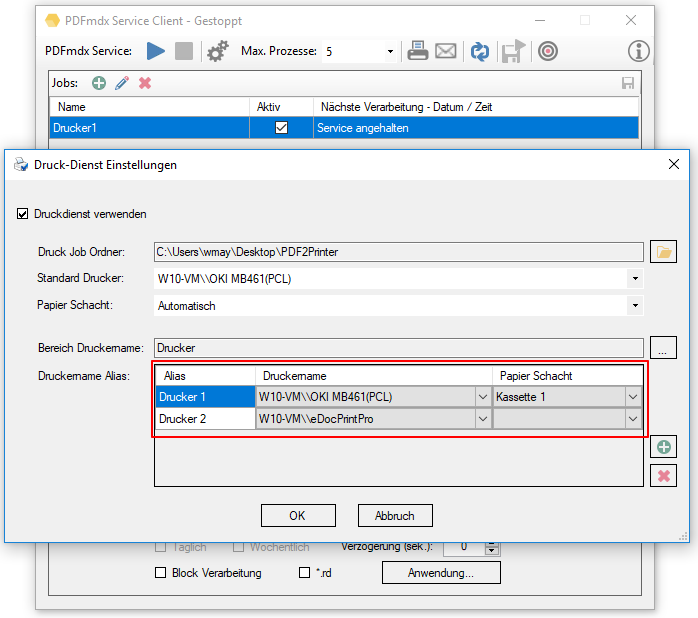
  • The PDF2PrinterPrint integration has been revised and expanded: The selection of the variables for the control takes place directly via the fields of a template. In addition to the printer, the paper chute can now also be selected via the document content.

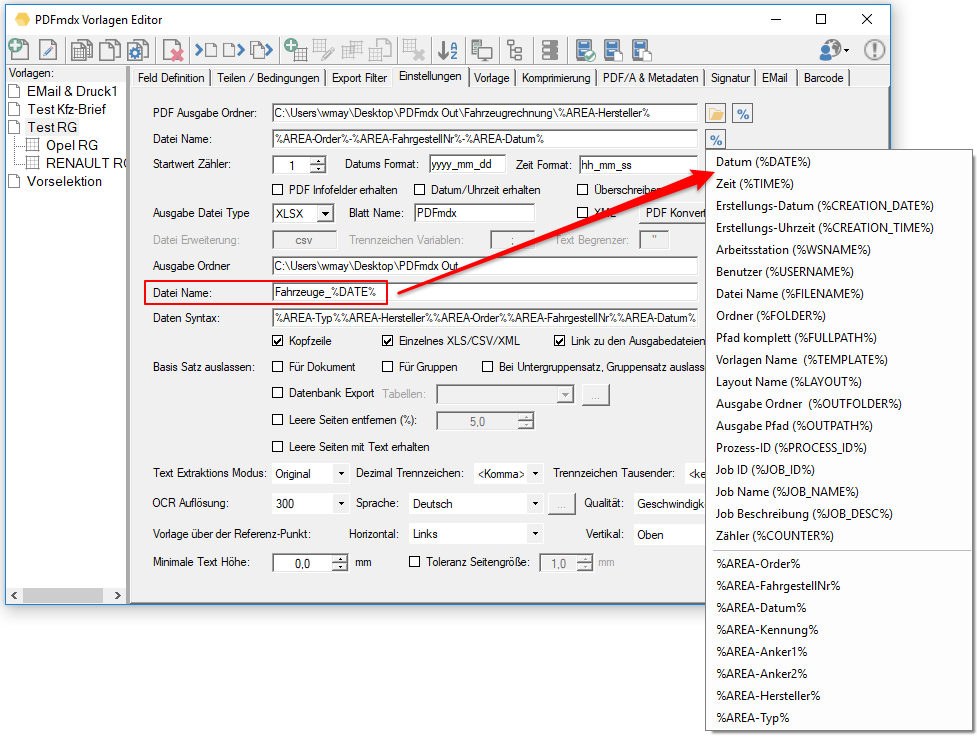
  • Variables for the file name of the metadata file (CSV, XLS …): Instead of a fixed name, all available variables can now be used.
  • Vertical dynamic fields can now be used not only for group but also for subgroup fields.

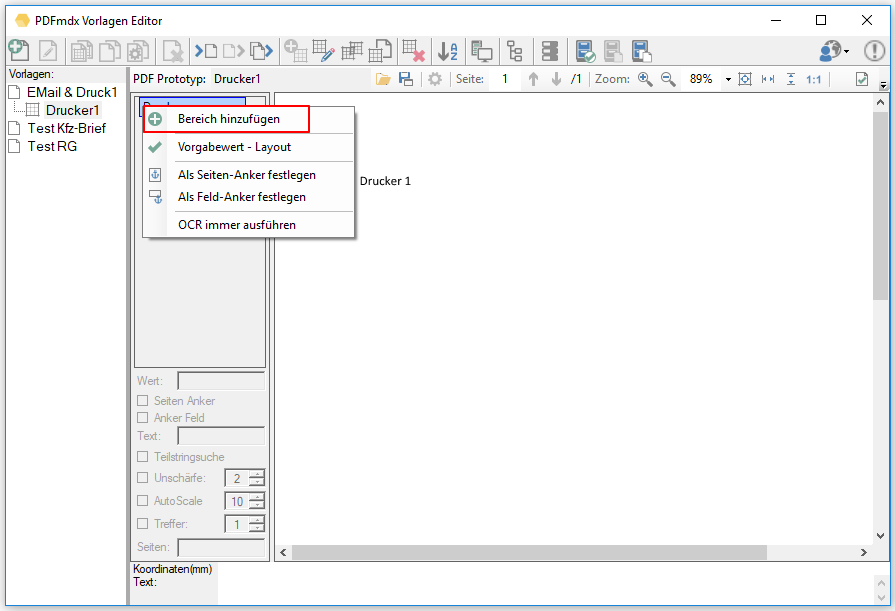
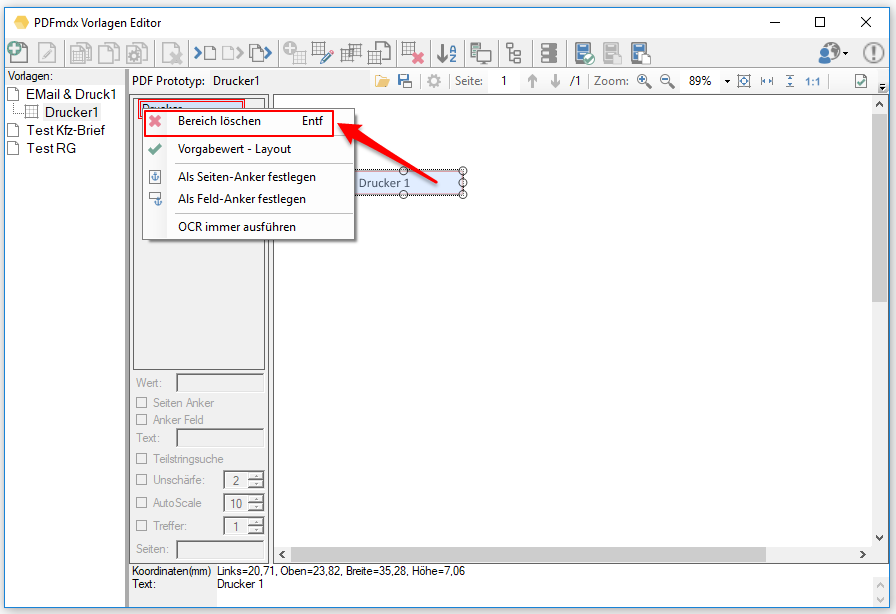
  • Field position is retained and can be restored: If a different PDF template file was selected for a layout, it could happen that the positioning / size of the fields on the template “got lost”. Eg: if the new PDF had fewer pages or fields were removed and The field position and size were not retained. The fields had to be repositioned and the readout area had to be redefined. Now this information is saved in the data structure, even if the field is no longer positioned on a page the field position and size can be restored via “Add area”.
 

  • Store file / folder link in XLS: A new option allows you to store a link in the XLS output file under the columns for “% OUTPATH%”, “% OUTFILENAME%” and “% OUTFOLDER%”. This means that the PDF file or folder can be opened directly by clicking on the cell in the XLS.

  • Update of the PDFCompressor, PDFSign, PDF2PDFA basic components to the current status.
  • The final processing for PDF/A conversion, PDF compression and PDF signature is now no longer in the output folder, but in a temporary folder. The PDF file is only moved to the final destination folder after all processing steps have been completed.
  • Bug fixes: PDFmdx editor: embed email settings for all images, send email, email filter options were not saved, no text could be read from PDF files created via iPaper, metadata file was not generated if no fields were positioned on the layout.
Download – PDFmdx Template Editor & Processor >>>

FileConverterPro (FCpro) – Overview and various client applications – product video

The product video shows the FileConverterPro and the most important client applications that work with the FCpro PDF (/A) conversion service via the REST / SOAP web service interface:

The following FCpro client applications are shown:

  • DropConvert – Interactive drag and drop conversion.
  • FCpro Hotfolder – Folder Monitoring.
  • FCpro EE – Explorer Extension – FCpro integrated in the MS Windows Explorer
  • EMail Archiver – MS-Outlook Plugin to convert messages and attachments to PDF (/A).
  • PDFmerge – Converts complex document structures to PDF(/A)
  • C# / .NET – Example client & project – All FCpro functions for testing

Download – FileConverterPro (FCpro) ~600MB >>>
Download – OmniPage OCR Engine als Option für FCpro (ca. 235MB) >>>

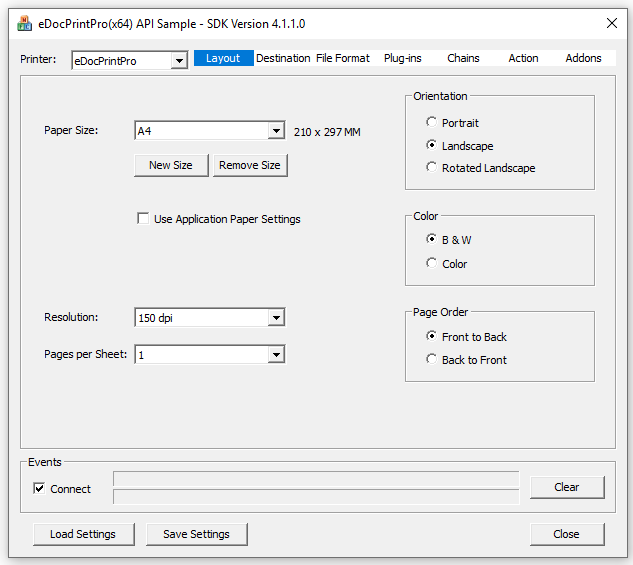
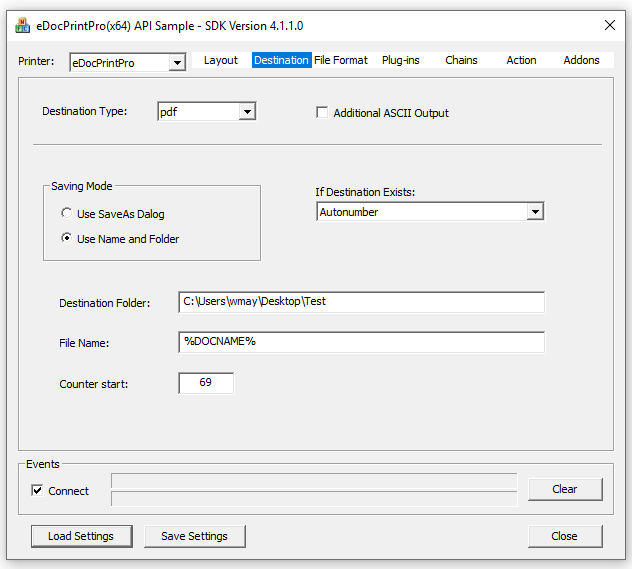
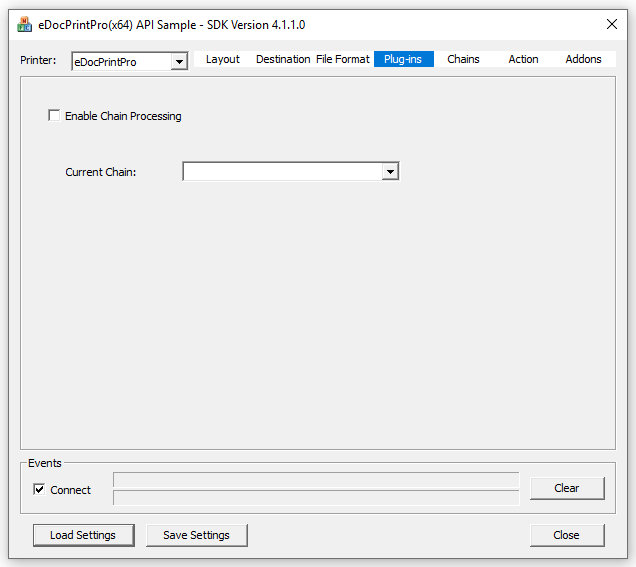
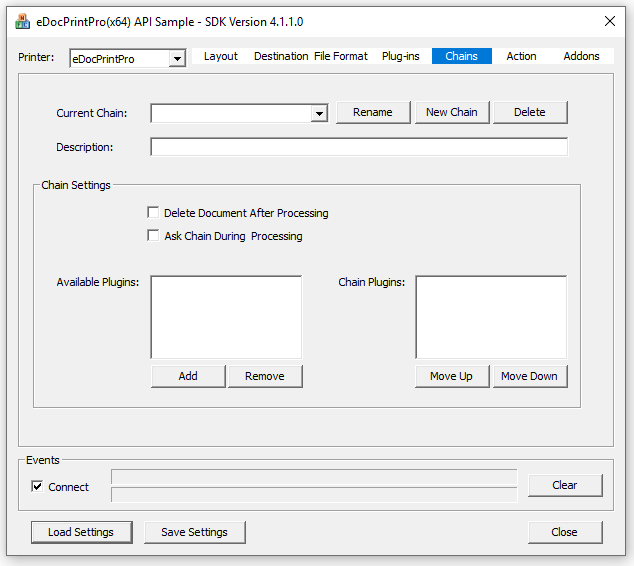
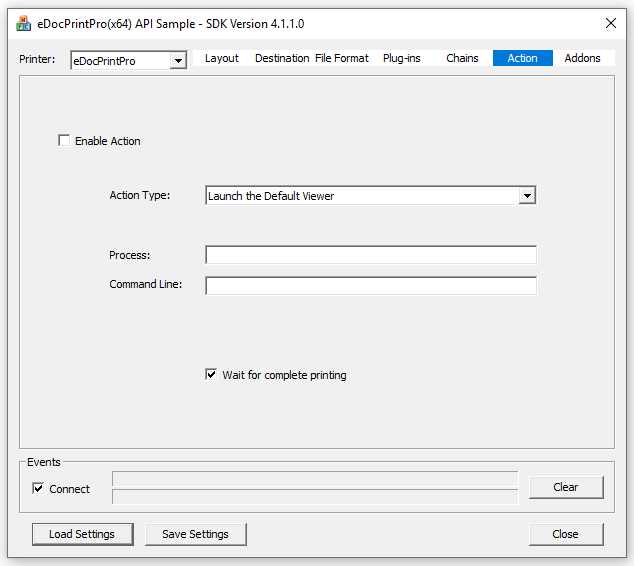
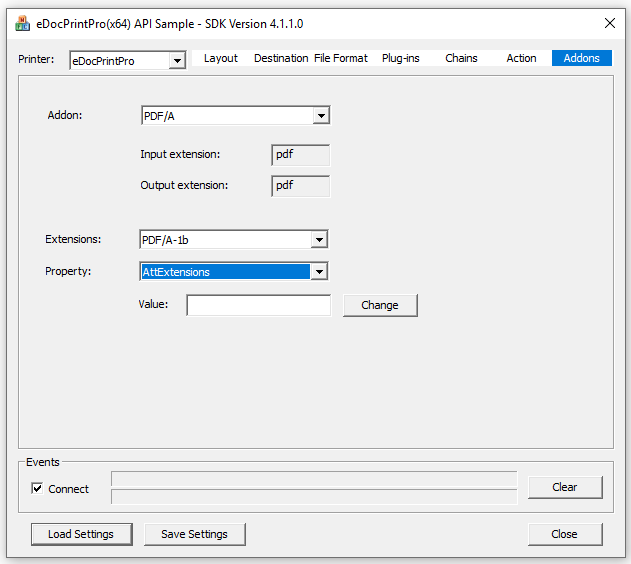
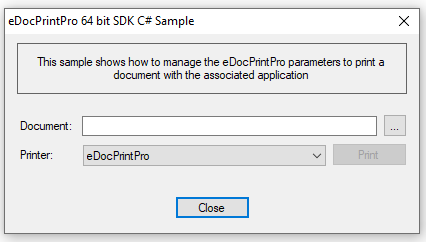
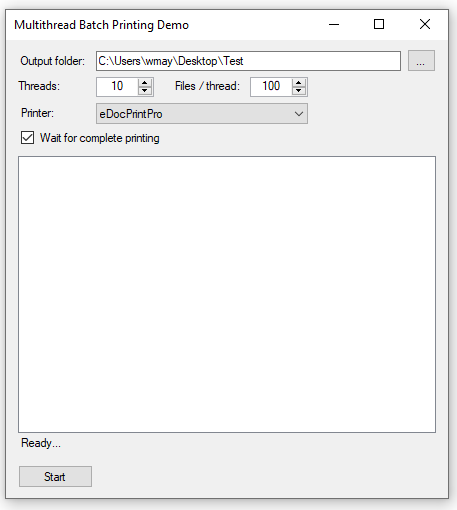
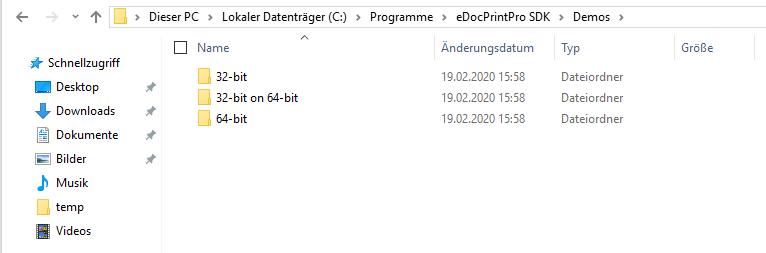
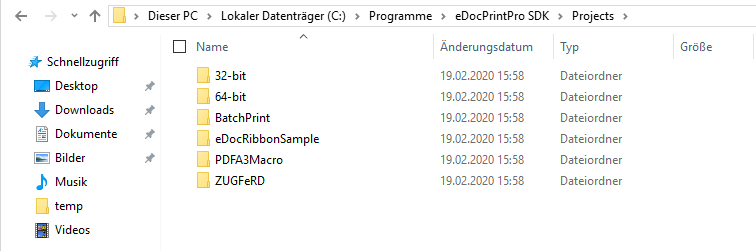
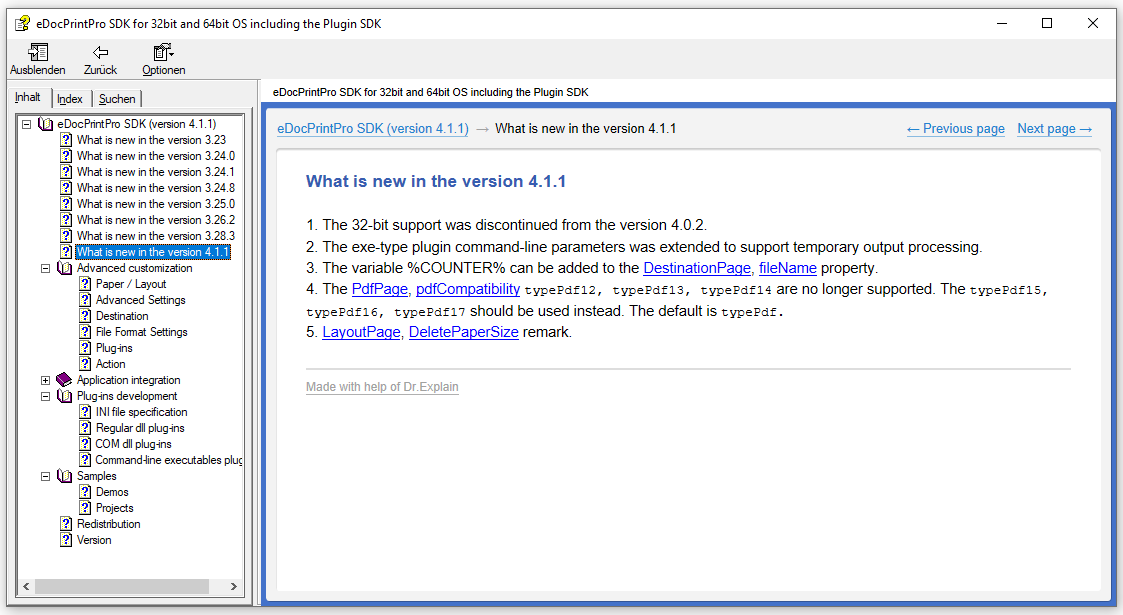
eDocPrintPro SDK version 4.1.1 available

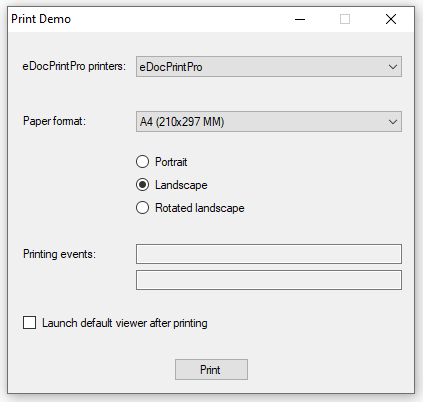
As of eDocPrintPro version 4.1.0, a new SDK is required. The documentation and the sample projects were updated.

Download – eDocPrintPro free 64bit version

Download – eDocPrintPro 64bit PDF/A & ZUGFeRD

Download GhostScript 9.50 64bit Setup

Download – eDocPrintPro 32bit version 4.0.2

Download – eDocPrintPro 4.0.2 32bit (ca. 66 MB) >>>
Download – eDocPrintPro PDF/A & ZUGFeRD 32bit (ca. 105 MB) >>>
Download – GhostScript 9.27 MSI Setup – 32bit (ca. 26MB) >>>

PDF2PDFA-FM – PDF to PDF/A converter via folder monitoring – product video

Download – PDF2PDFA-FM – PDF to PDF/A converter with folder monitoring >>>

HTML2PDF-CL (HTML to PDF) – Version 1.1.0 – Generate PDF via URL / web link

Innovations HTML2PDF-CL (HTML to PDF) Version 1.1.0:

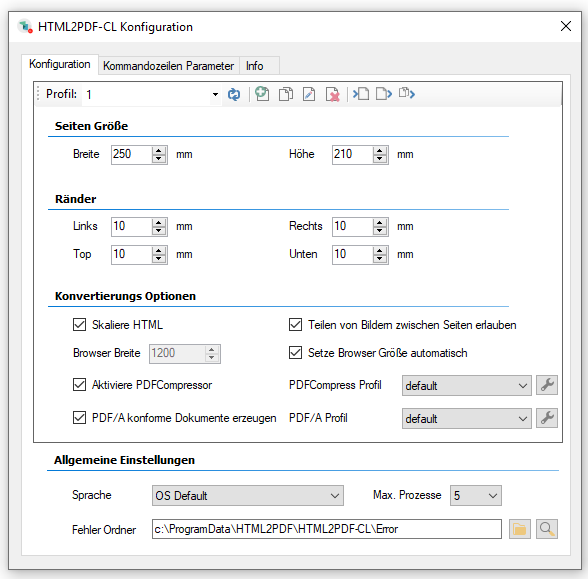
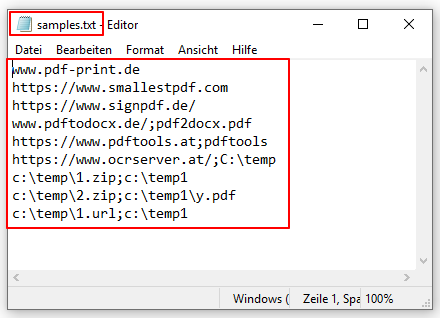
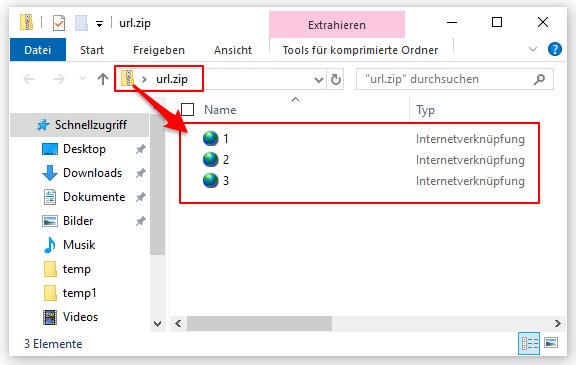
  • Generate PDF from URL/web link: With the new version, PDF and PDF/A files can be generated directly via a URL or via web links without the HTML being available locally on the computer. The URL is transferred via a *.url file, web links via a TXT file. Multiple URL files can also be processed into a single or a total PDF file using a ZIP file.


  • Integrated PDF/A converter component: Using the integrated PDF/A converter component, PDF/A-1, PDF/A-2, PDF/A-3 and also ZUGFeRD PDF can now be generated from an HTML or a web page/link.

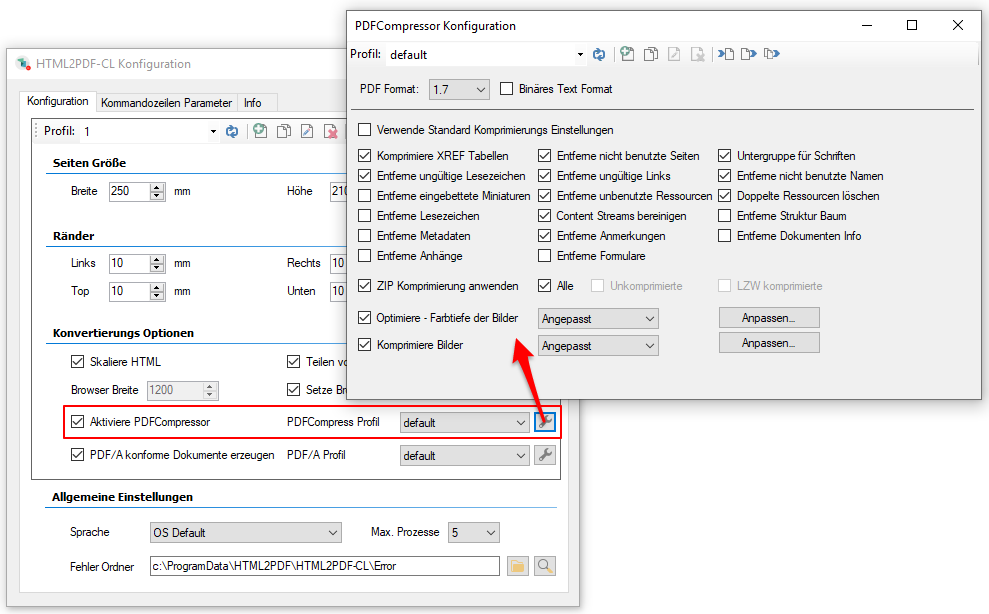
  • Integrated PDFCompressor component: With the help of the PDFCompressor component, the generated PDF can be optimized and compressed in order to create the smallest and most compact PDF possible.

The PDF/A converter and the PDFCompressor are functions that are activated separately. If there is no valid license, the PDF will be converted and/or compressed, but a demo stamp will be applied.

Download – HTML2PDF-CL –  command-line application >>>
Download – Readme / Help – HTML2PDF-CL >>>

FileConverterPro 1.0.93 – New version

Innovations in FCpro version 1.0.93:

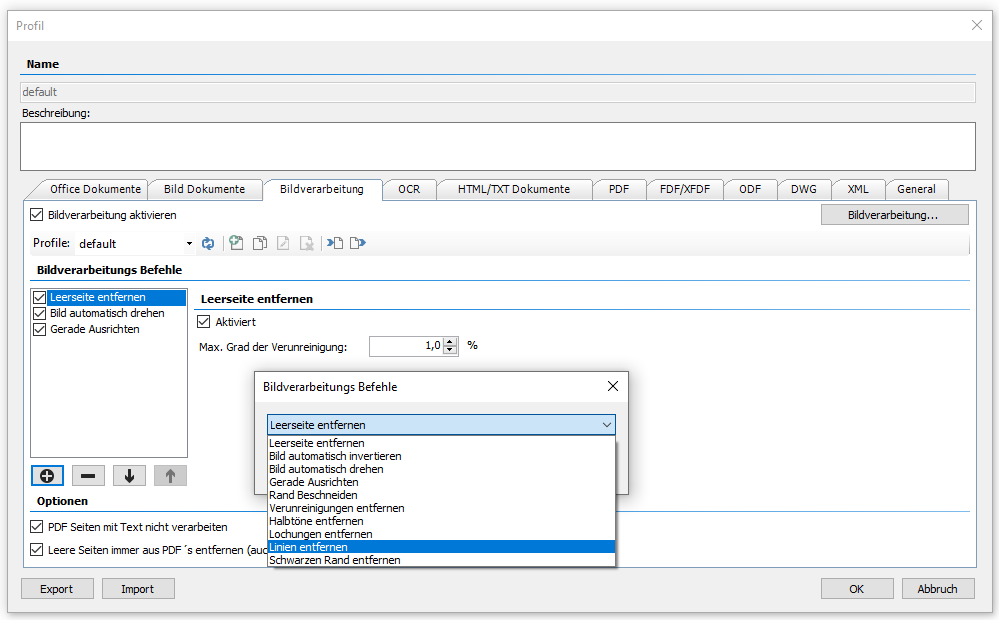
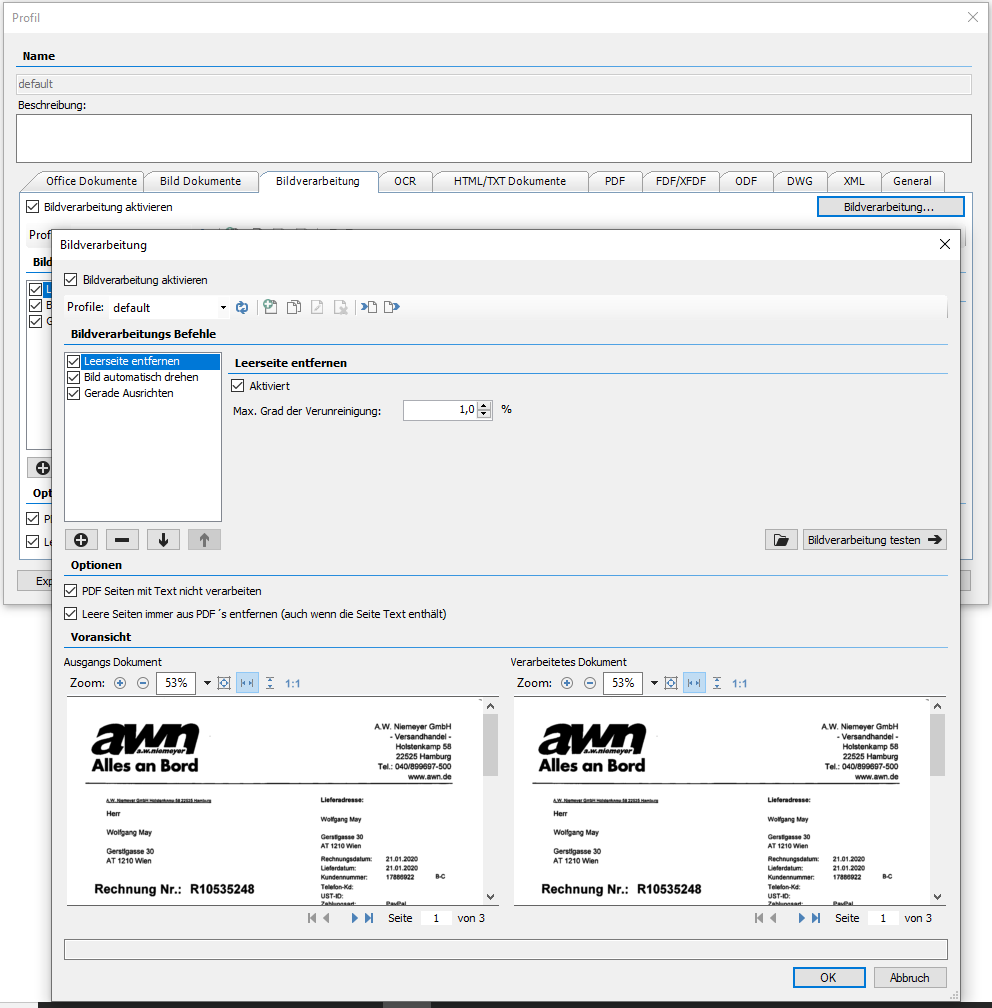
  • Image processing integrated: Until now, individual image processing functions were part of the OCR engines. Now all image processing functions are generally available for all image to PDF conversions (with or without OCR) via independent ImageProcessing component, regardless of the OCR processing and the selected OCR engine. See overview of functions >>>.


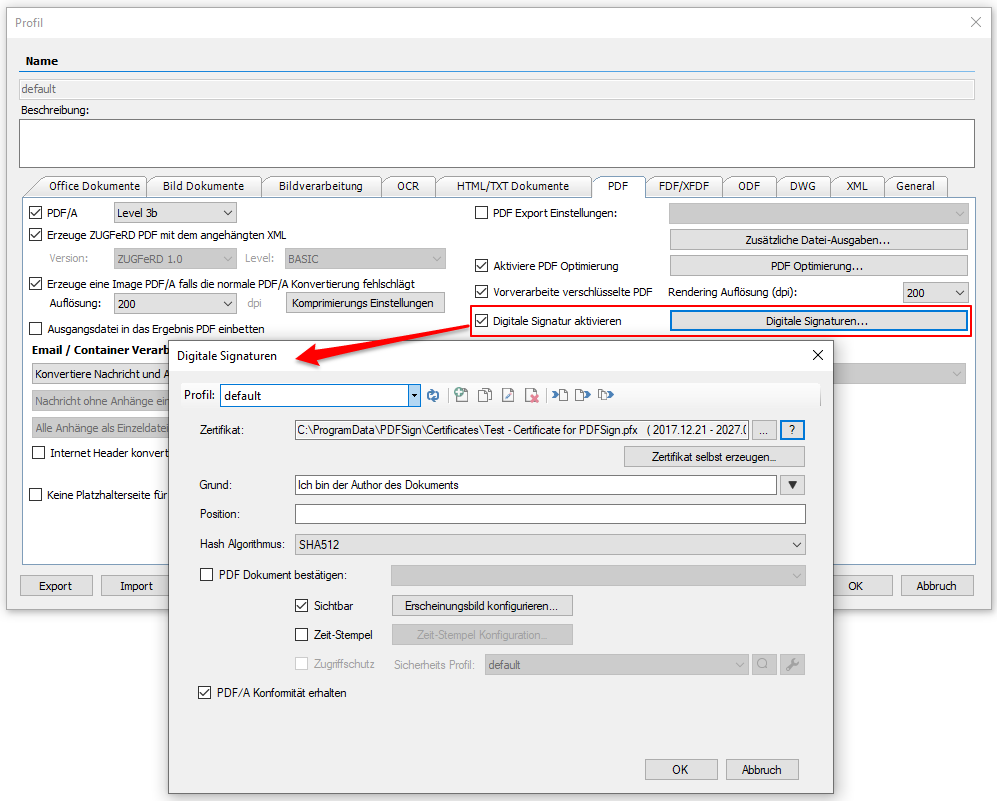
  • Digital signature – PDFSign component integrated: By integrating the PDFSign component, the generated PDF and PDF/A files can also be signed, confirmed, encrypted, provided with a password and restrictions. A time stamp can also be applied. The PDF signature can be visible or invisible. All signature settings are managed via profiles. In order to be able to use the PDF signature quickly and easily, you can create your own certificates directly from the component. As the FileConverterPro runs as a service, it must be ensured that the certificates for the (user) account used are also available and accessible. Like PDF/A, PDFCompressor and OCR, the PDFSign functionality is an option that must also be licensed. If there is no valid license, the PDF will be signed, but a demo stamp will be added. See overview of functions >>>

  • Update of the basic components (PDF2PDFA, OCR, PDFCompressor) to the current status.
  • Images embedded in the body of email messages are not processed as attachments. No additional pages are attached to the PDF for this.
  • When rendering encrypted PDF files, AES 256 encrypted PDF files can now also be processed.
  • In addition to the resolution, the image compression of the generated images can now be configured for PDF/A rendering.

  • New REST/SOAP web service function to query jobs with multiple status values at once:
    • For REST GetAllJobs2?status=5,6,7…,
    • For SOAP GetAllJobs2?status is an int array (int[]) that is rendered in C#.

Download – OmniPage OCR Engine as option for FCpro (ca. 235MB) >>>
Download – FileConverterPro (FCpro) ~600MB >>>

DropCompress – Compress PDF files via DropZone and folder monitoring

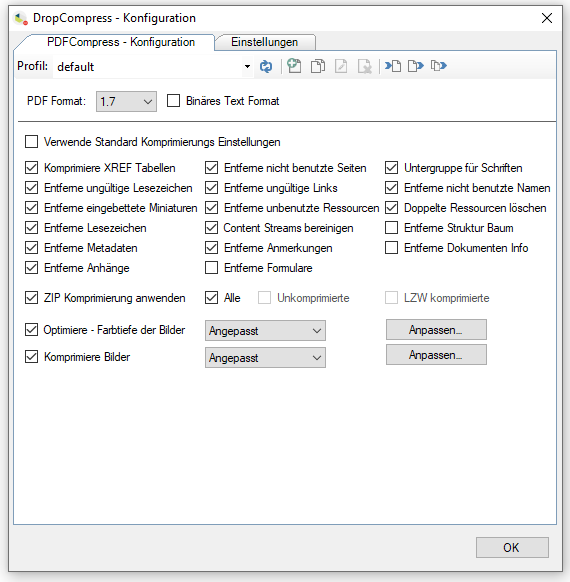
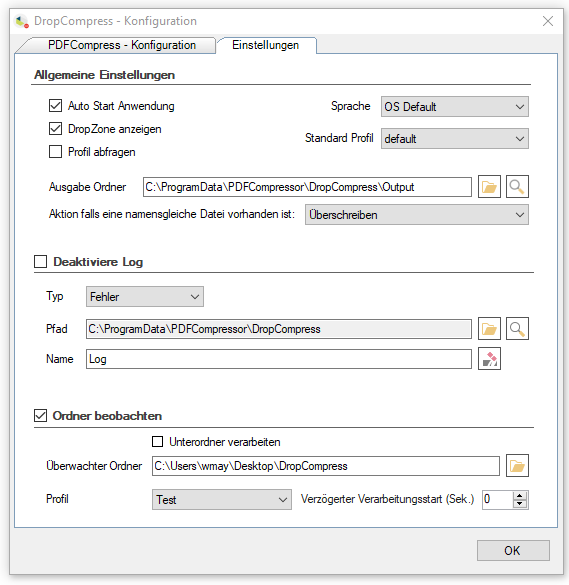
DropCompress makes it possible to reduce and optimize several PDF documents at once directly via drag & drop or a monitored folder. DropCompress is an executable MS-Windows application that can be started automatically and is based on our PDFCompressor – C#/.NET component.

DropCompress features:

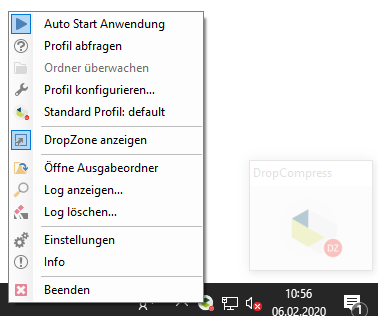
  • Executable MS-Windows application with autostart function.
  • Compresses and optimizes single or multiple PDF files.
  • Start processing via drag & drop by dragging the PDF onto a DropZone and/or
  • Compression by monitoring a folder / folder structure.
  • Compression profiles – new, copy, rename, delete, import, export – enable the settings to be changed quickly and easily.
  • Profile selection before the start of processing in order to be able to select or change settings.


Download – DropCompress – Compress PDF via drag&drop >>>

AutoOCR Features – Image processing, PDFCompressor, PDF2PDFA converter – product video

Video about new AutoOCR features:

  • Image processing
  • PDFCompressor
  • PDF2PDFA converter

GermanEnglish

AutoOCR – General overview – Product video

New video for AutoOCR – general overview of functions and processing:

German, English

  • Configure folders (inbox, output, archive, errors)
  • Select engine
  • PDF/A function
  • Service account (network resources)
  • Processing options (actions, folder monitoring)
  • Web service option
  • Log

eDocPrintPro free, PDF/A & ZUGFeRD version 4.1.1 available

What’s new in version 4.1.1:

  • From version 4.1.1, the setup only contains the 64bit version for 64biz operating systems. The eDocPrintPro version 4.0.2 is still available for 32bit operating systems.
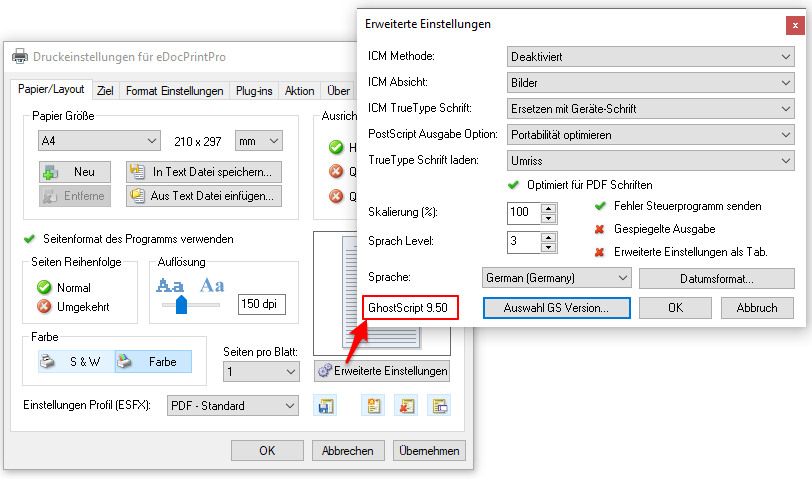
  • eDocPrintPro now uses the current GhostScript version 9.50
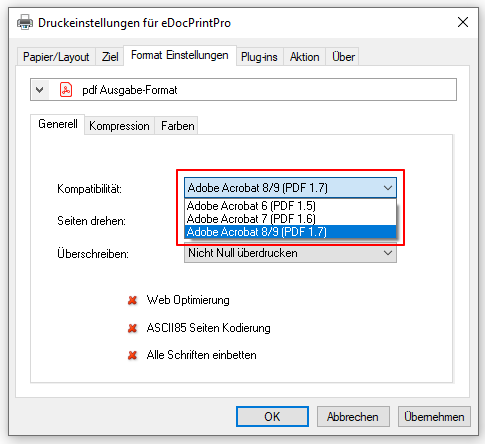
  • PDF level 1.5 (Adobe Acrobat 6), PDF level 1.6 (Adobe Acrobat 7) and after level 1.7 (Adobe Acrobat 8/9) are supported. PDF level 1.7 is now standard
  • The control of the paper formats has been newly implemented.
  • Version 4.1.1 also requires a new eDocPrintPro SDK.


Download – eDocPrintPro free 64bit version

Download – eDocPrintPro 64bit PDF/A & ZUGFeRD

Download GhostScript 9.50 64bit setup

Download – eDocPrintPro 32bit version 4.0.2

Download – eDocPrintPro 4.0.2 32bit (ca. 66 MB) >>>
Download – eDocPrintPro PDF/A & ZUGFeRD 32bit (ca. 105 MB) >>>
Download – GhostScript 9.27 MSI Setup – 32bit (ca. 26MB) >>>

Webshop